Control your computer from your phone.
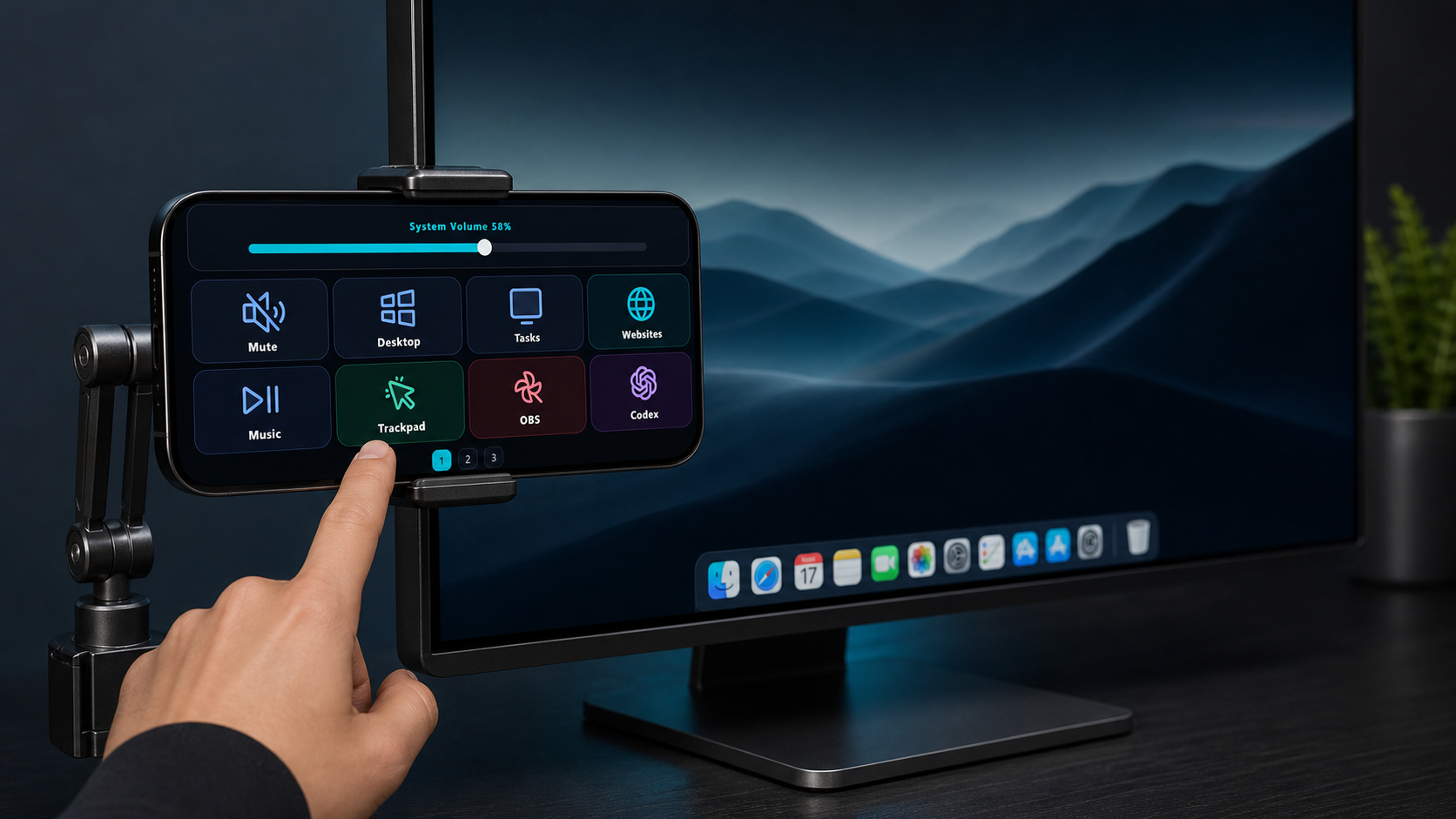
Open the actions you use most, send pointer and keyboard commands, and keep your desktop within reach without leaving your work.
 AuxDeck
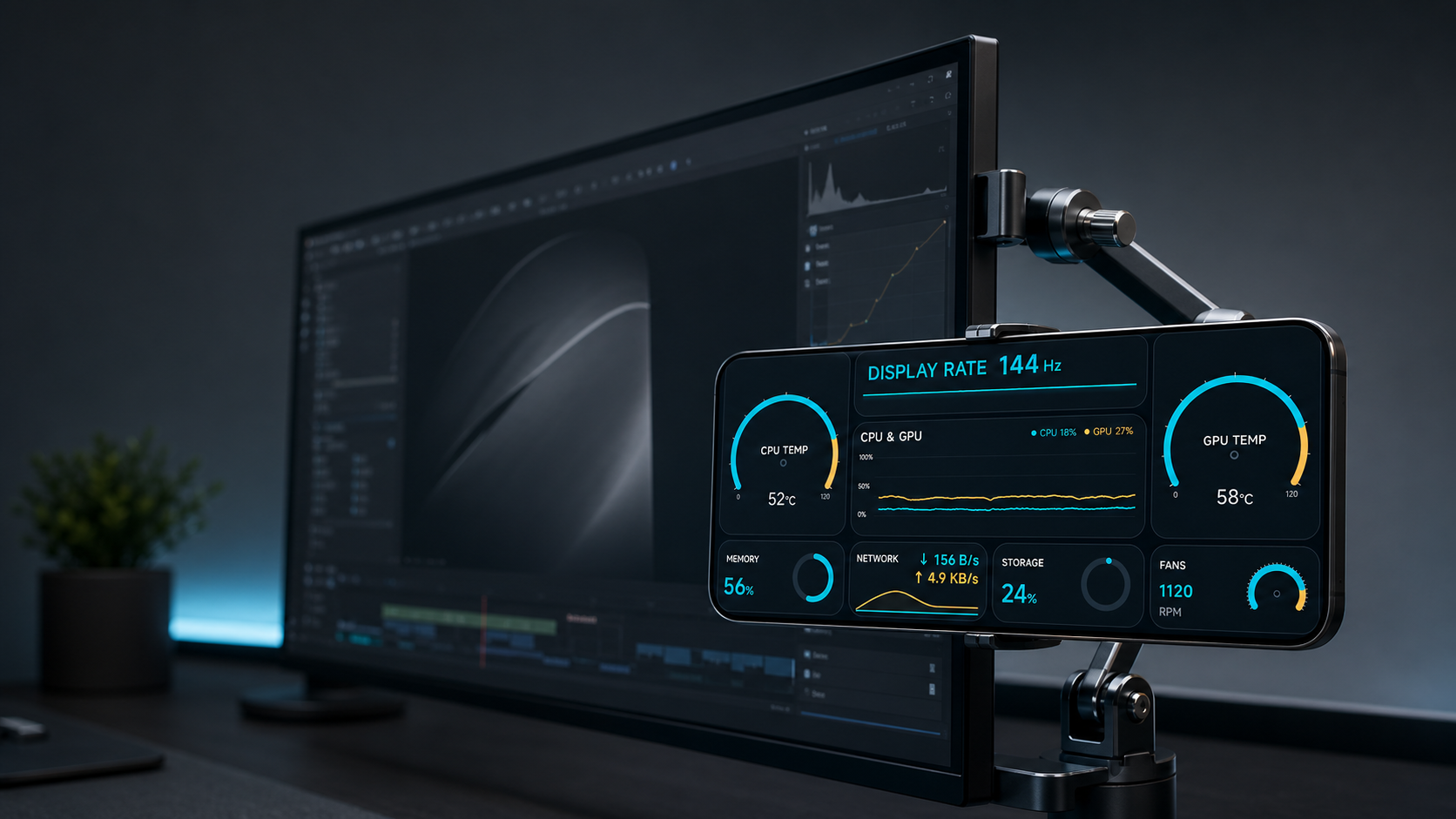
See your computer's status, use your phone as a camera or teleprompter, and control your desktop from one local companion app.
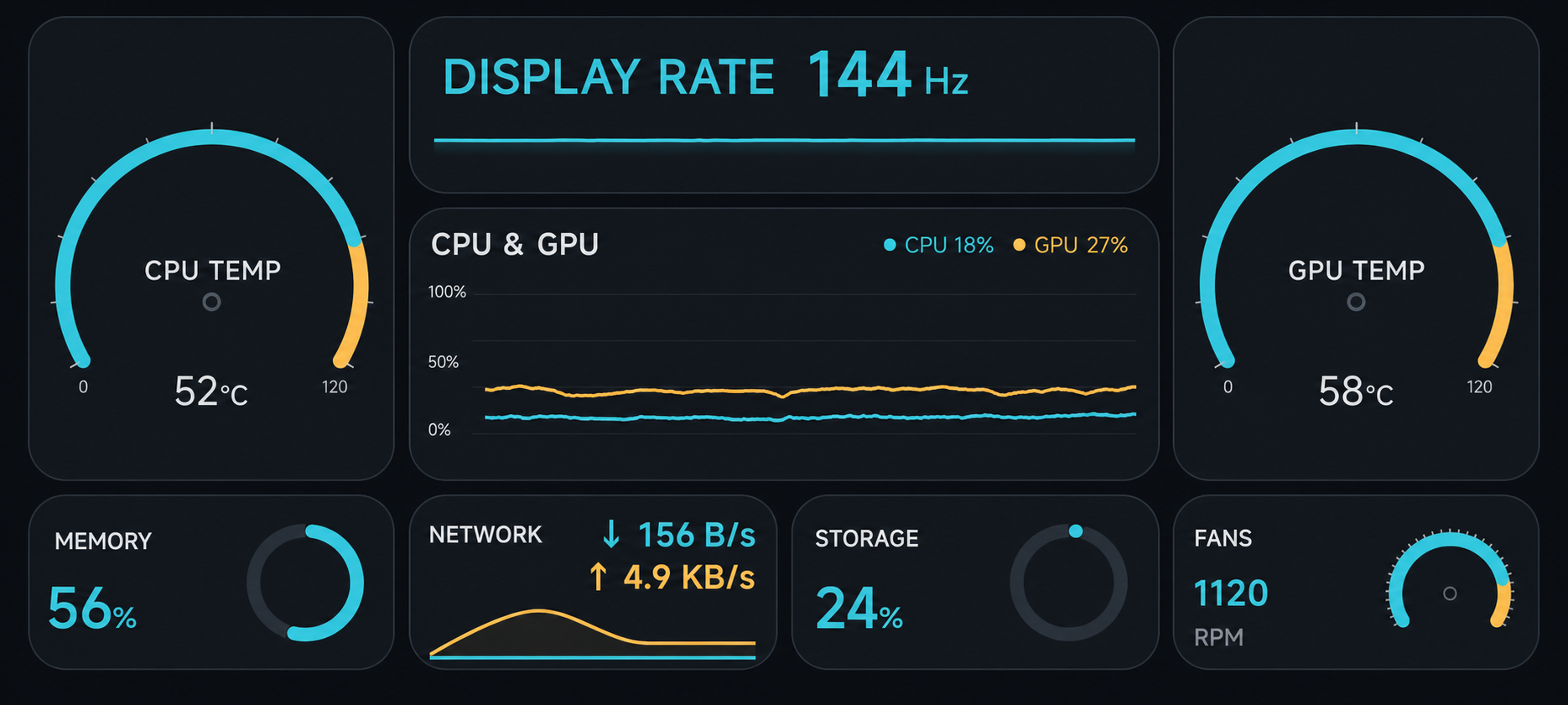
Keep CPU and GPU load, memory, storage, network, temperatures, and display rate in view where your computer provides them. Live readings begin after pairing; unavailable values stay clearly marked.
AuxDeck Desktop for Windows is the companion your phone connects to. Install it first, then get the phone app from its official store.
Start with AuxDeck Desktop on a supported Windows x64 computer.
Install AuxDeck from Google Play or the Apple App Store.
Keep both devices on the same network and scan the QR code shown in Desktop.
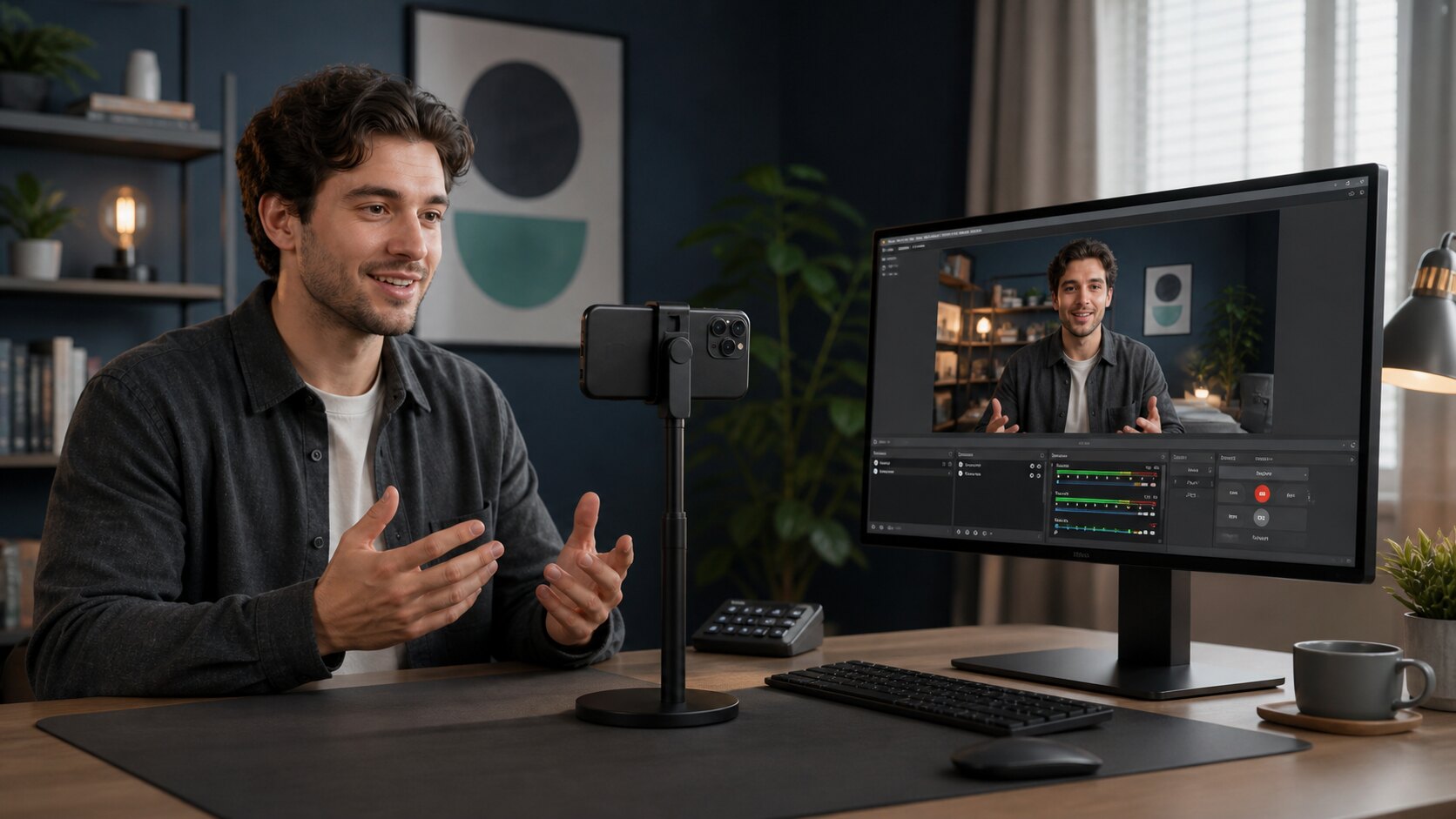
Send the phone camera and microphone to your computer for meetings, recording, live video, and any app that accepts a camera.
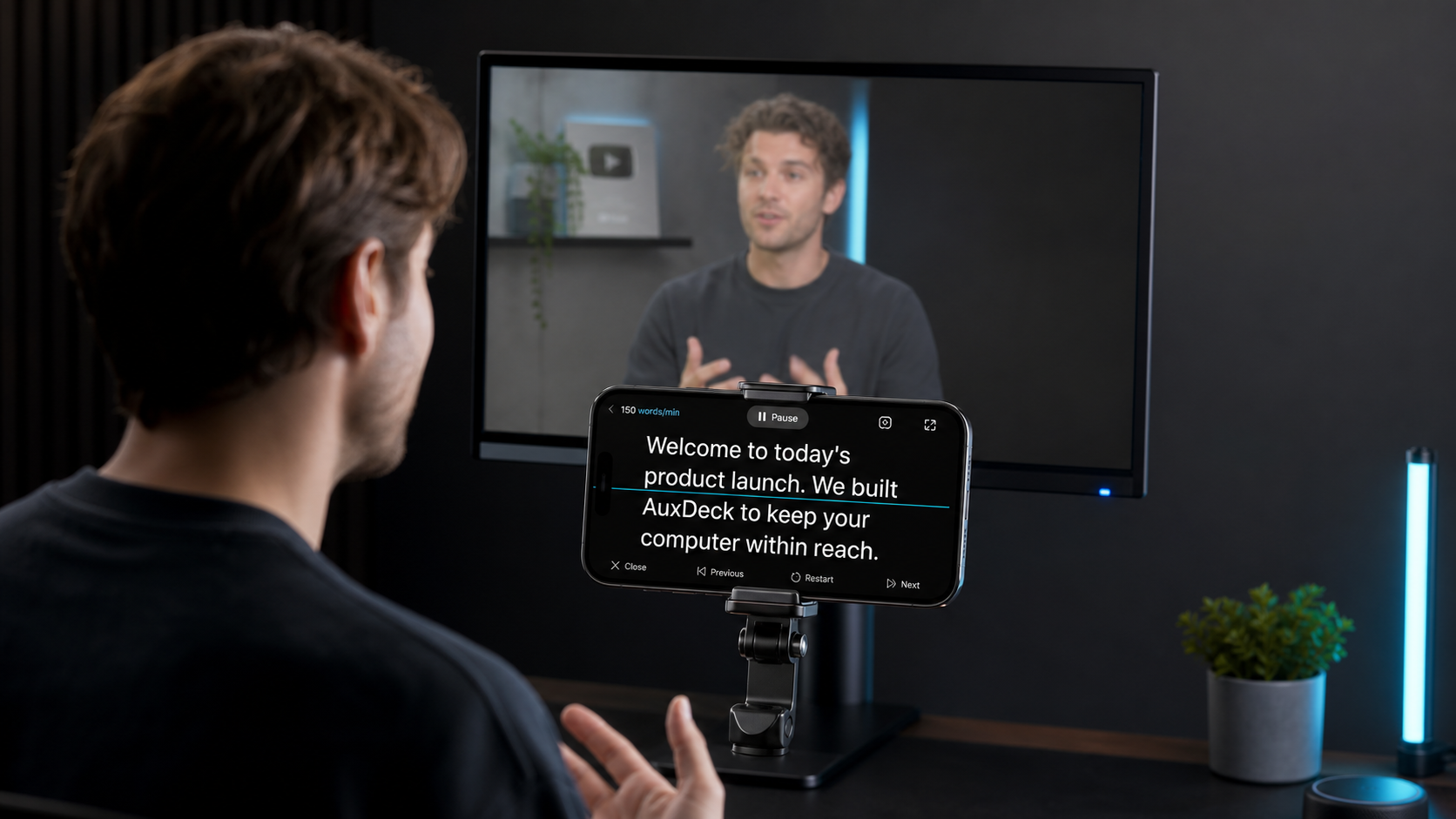
Read from the phone while controlling speed, playback, and chapters without reaching for the computer.
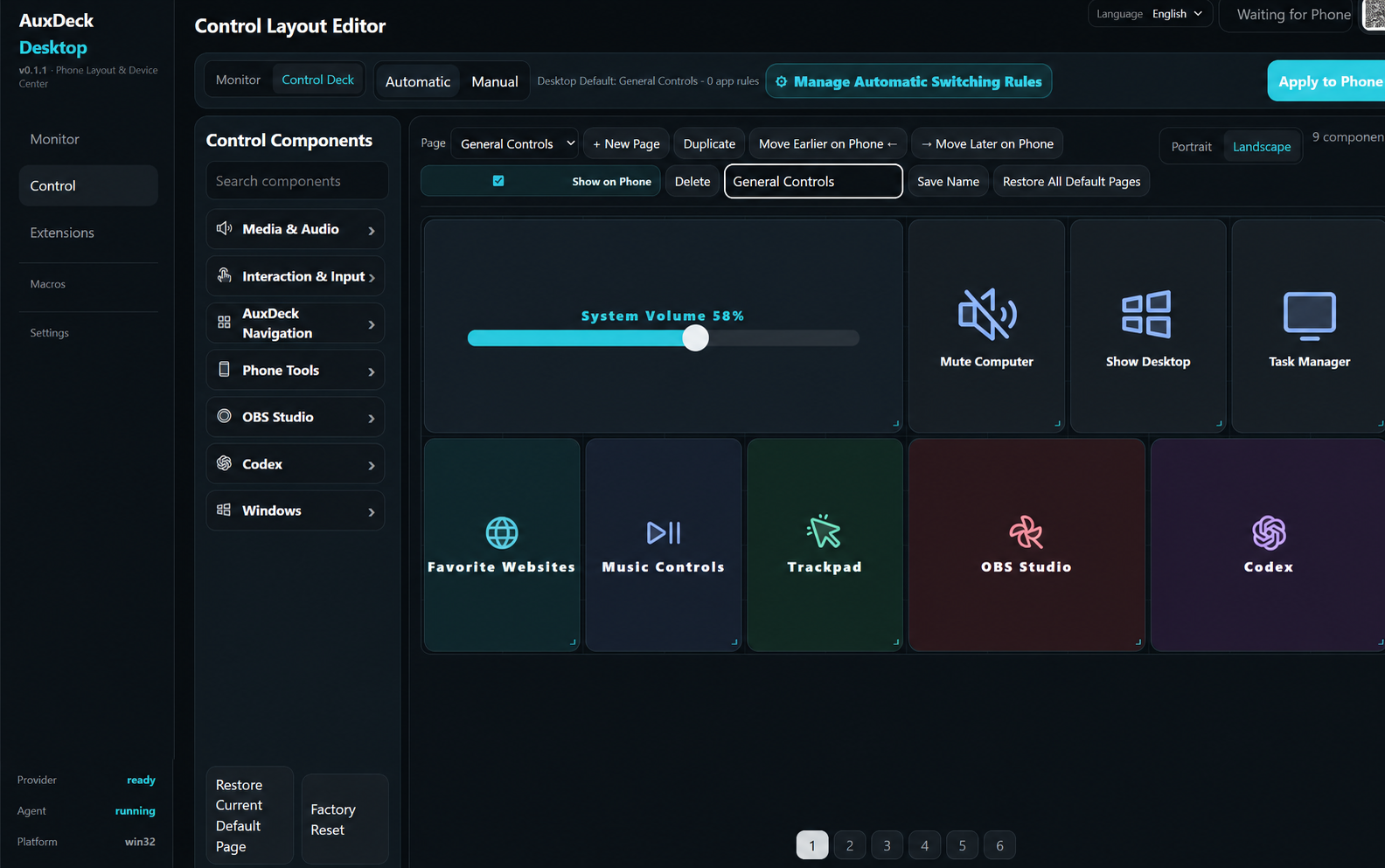
Open the actions you use most, send pointer and keyboard commands, and keep your desktop within reach without leaving your work.
Arrange pages on the computer, then send the finished layout to your phone.
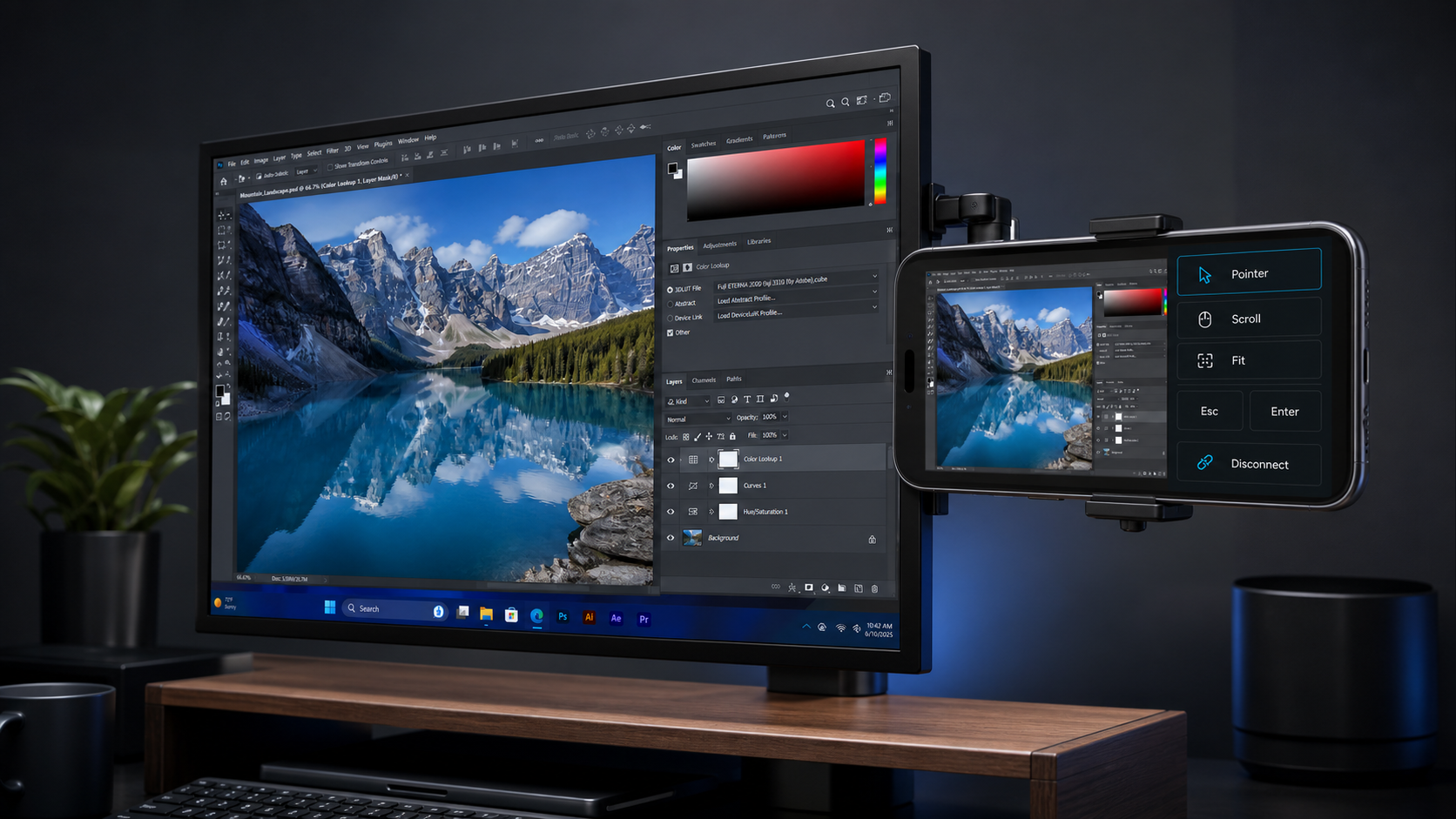
Use the phone as a nearby status display or temporary second screen while your main monitor stays focused on the work.
Setup guideA public macOS desktop build is not available yet.
Install the desktop app, open AuxDeck on your phone, and scan the QR code.
Send us the device and system versions and the steps that led to the issue. We'll use your report to improve AuxDeck.